i18next: Implementing Multilingual Support and Localization in Reactjs.

Product Development as an Expertise Since 2015 Founded in August 2015, we are a USA-based Bespoke Engineering Studio providing Product Development as an Expertise. With 80+ satisfied clients worldwide, we serve startups and enterprises across San Francisco, Seattle, New York, London, Pune, Bangalore, Tokyo and other prominent technology hubs.
i18next is a widely-used internationalization (i18n) library for JavaScript. It allows developers to easily add multi-language support to their web applications by providing features for managing translations, pluralization, and other i18n-related tasks.
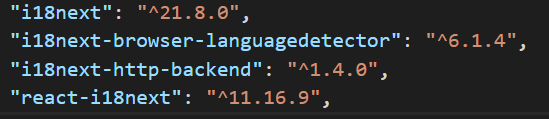
Step 1: Install the necessary packages
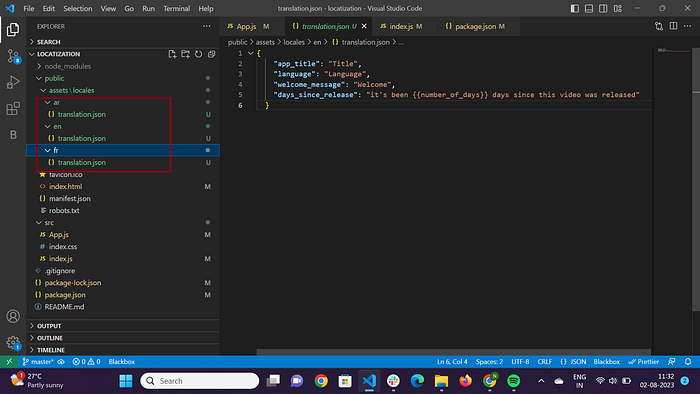
Step 2: Create a new folder named locales in your project Public/assets folder. Inside this folder, create JSON files for each supported language, containing key-value pairs for translations.
Step 3: Initialize i18next in your index.js, initialize i18next by creating an instance and configuring it with the necessary settings and language resources.
import React from 'react';
import ReactDOM from 'react-dom';
import i18n from 'i18next';
import { initReactI18next } from 'react-i18next';
import LanguageDetector from 'i18next-browser-languagedetector';
import HttpApi from 'i18next-http-backend';
import 'bootstrap/dist/js/bootstrap.js';
import App from './App';
import 'bootstrap/dist/css/bootstrap.min.css';

i18n
  .use(initReactI18next) // Initializes i18next with React
  .use(LanguageDetector) // Use LanguageDetector for automatic language detection
  .use(HttpApi) // Use HttpApi to fetch translations from the server
  .init({
    supportedLngs: ['en', 'fr', 'ar'], // Supported languages: English, French, and Arabic
    fallbackLng: 'en', // Fallback language if a translation is not available
    detection: {
      order: ['cookie', 'htmlTag', 'localStorage', 'path', 'subdomain'], // Order of language detection methods
      caches: ['cookie'], // Caching the detected language in a cookie
    },
    backend: {
      loadPath: '/assets/locales/{{lng}}/translation.json', // URL to fetch translations from the server
    },
    react: { useSuspense: false }, // Disable Suspense for lazy loading translations
  });

ReactDOM.render(
 <React.StrictMode>
  <App />
 </React.StrictMode>,
 document.getElementById('root')
);
Step 4: You can use i18next’s i18n.changeLanguage() method to switch languages in your app and import useTranslation hook from react-i18next and use it to access translations in App.js.
import { useTranslation } from 'react-i18next';
import i18next from 'i18next';

const Languages = [
 {
  code: 'en',
  name: 'English',
  country_code: 'gb',
 },
 {
  code: 'fr',
  name: 'Français',
  country_code: 'fr',
 },
 {
  code: 'ar',
  name: 'العربية',
  country_code: 'sa',
 },
];

function App() {
 const { t } = useTranslation();
 const releseDate = new Date('2022-5-10');
 const timeDifference = new Date() - releseDate;
 const number_of_days = Math.floor(timeDifference / (1000 * 60 * 60 * 24));

 return (
  <div className='conatiner'>
   <div className='d-flex justify-content-end'>
    <select
     class="form-select w-25 bg-light"
     name='cars'
     id='cars'
     onChange={(event) => i18next.changeLanguage(event.target.value)}>
     {Languages.map((value, key) => {
      return <option value={value.code}>{value.name}</option>;
     })}
    </select>
   </div>
   <div className='d-flex flex-column align-items-center'>
    <h1>{t('welcome_message')}</h1>
    <p>{t('days_since_release', { number_of_days })}</p>
   </div>
  </div>
 );
}

export default App;
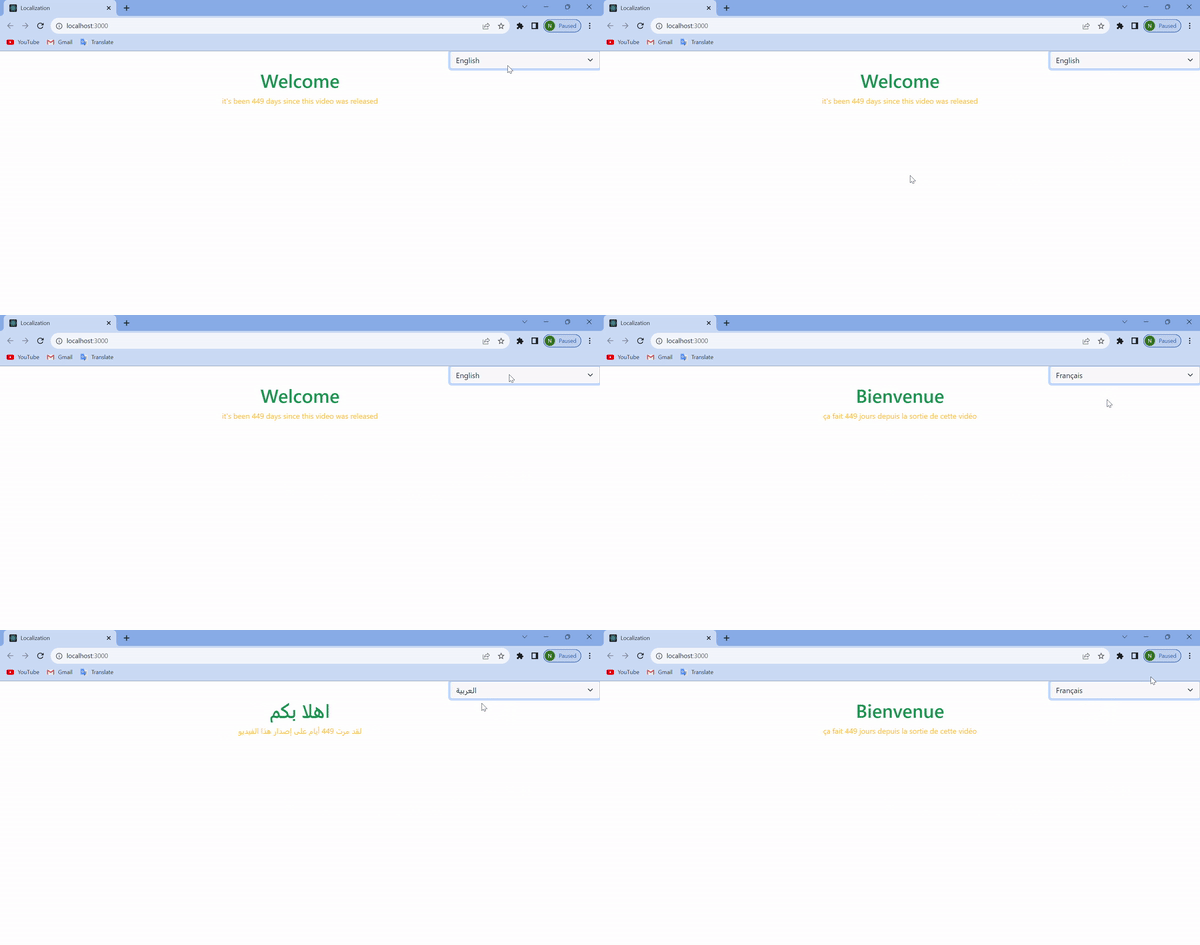
Step 5: Output