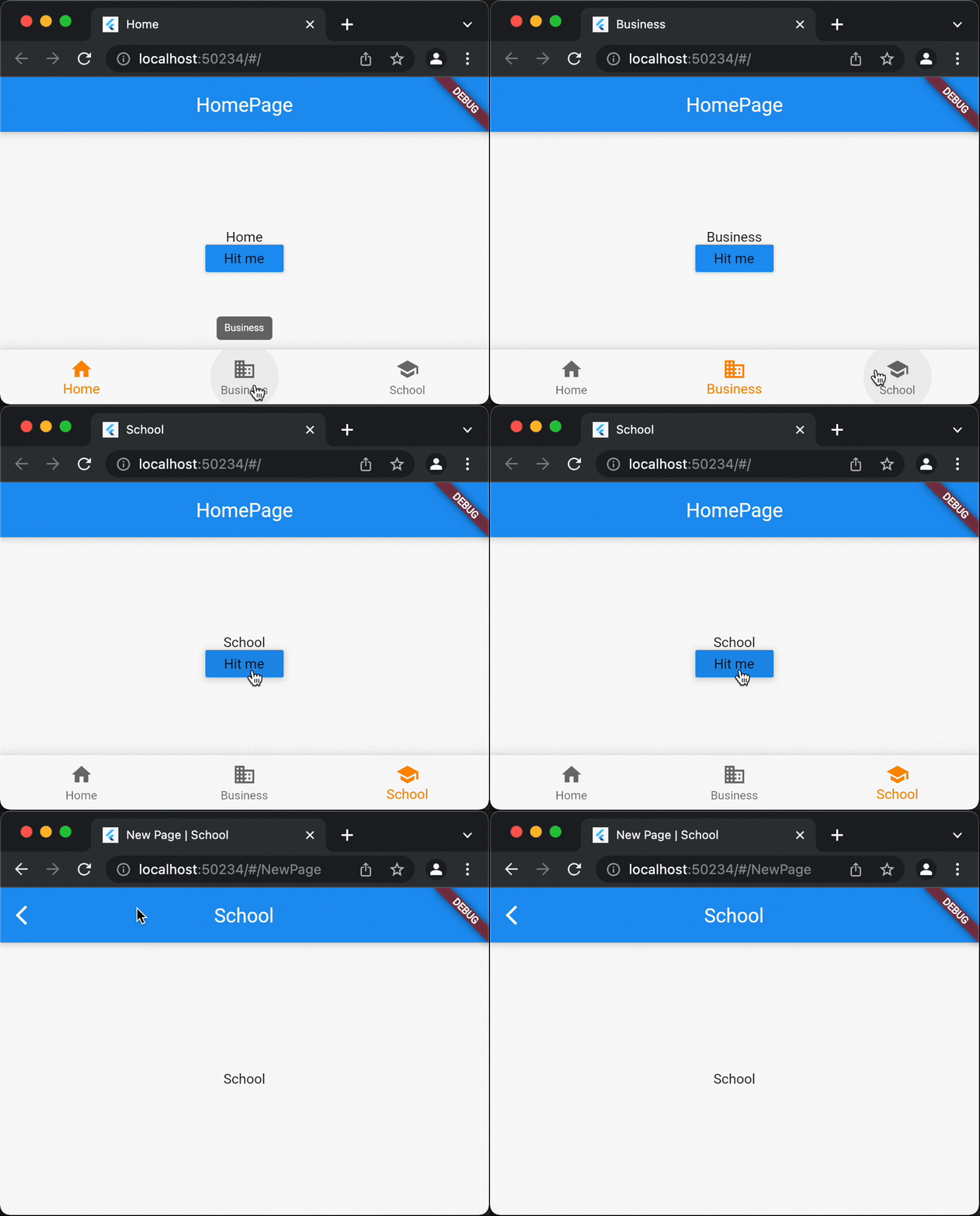
Flutter web: Change page titles dynamically

Product Development as an Expertise Since 2015 Founded in August 2015, we are a USA-based Bespoke Engineering Studio providing Product Development as an Expertise. With 80+ satisfied clients worldwide, we serve startups and enterprises across San Francisco, Seattle, New York, London, Pune, Bangalore, Tokyo and other prominent technology hubs.
When we run the flutter web app on the tab of the browser we see “Flutter Demo” by default, But we can change it through MaterialApp Widget like this.
MaterialApp(
      title: 'My App',
      color: Colors.red,
      theme: ThemeData(
        primarySwatch: Colors.blue,
      ),
      home: HomeScreen(),
 );
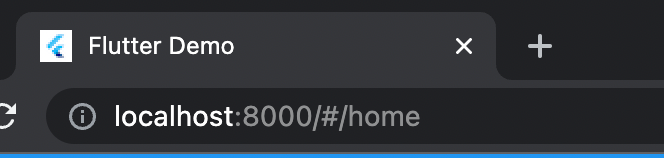
Default title

After Changing to My App

This will remain the same throughout. But we needed it to change each time user goes to a new screen or changes the tab. we came across two different methods of changing titles.
Using SystemChrome SystemChrome class provides setApplicationSwitcherDescription method that will change the title. It can be used by the setWebTitle() method when have to change the title.
void setWebTitle(String titleName) {
  SystemChrome.setApplicationSwitcherDescription(
    ApplicationSwitcherDescription(
      label: titleName,
      primaryColor: 0xffaaaaaa, // Color is required
    ),
  );
}
Using title widget The title widget is a simple solution. Just need to wrap any widget with the title
Title(
      color:  0xffaaaaaa, // Color is required
      title: 'Flutter New Title',
      child: Scaffold(
       appBar: AppBar( title: Text("New Title"),),
       body : ...
      ),
    );
  }
Complete Code :